
The ROI of Intelligence: Integrating CRM BI and Power BI into Your Operational Redesign
Integrate CRM insights with Power BI to cut CAC, predict churn, and unlock measurable revenue gains — an executive guide with an ROI calculator.

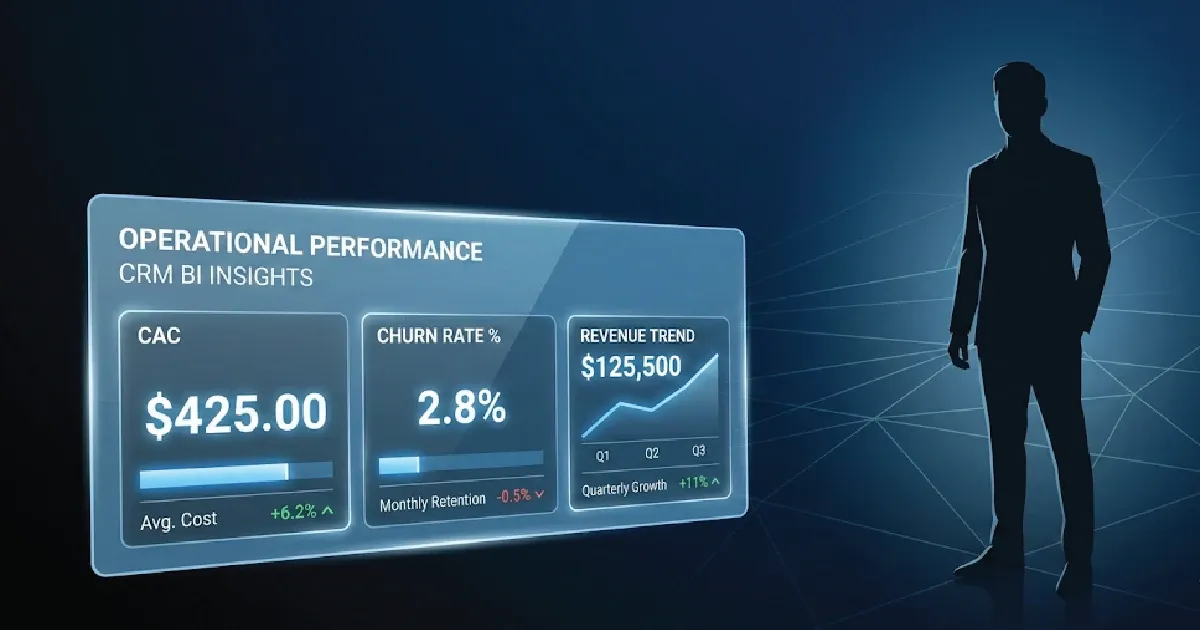
In the modern theater of global commerce, intuition is no longer a virtue—it is a liability. While enterprises are content with "knowing" their customers, the elite are busy architecting systems that predict their behavior. The bridge between raw operational data and market dominance is built on two pillars: CRM BI and the unparalleled analytical depth of Microsoft Power BI.
If your organization is still treating its CRM as a mere digital Rolodex, you are not just lagging behind; you are voluntarily opting for obsolescence. True operational redesign requires more than new software—it requires the ruthless integration of Business Intelligence (BI) into every facet of your customer lifecycle.
1. The End of "Intuition": Defining the CRM BI Imperative
Let us dispense with the pleasantries: if your sales and marketing strategies are still dictated by "gut feeling" or standard CRM pipeline reports, you are actively losing market share to competitors who understand the math.
A standard CRM captures history. It tells you what happened yesterday. CRM BI (Customer Relationship Management combined with Business Intelligence), on the other hand, predicts tomorrow. It is the sophisticated synthesis of operational customer data with high-octane analytical processing.
What Exactly is CRM BI?
CRM BI is the technological integration that transforms raw, siloed customer interactions—emails, calls, purchase histories, and support tickets—into dynamic, actionable strategic insights.
While a basic CRM allows your sales reps to log a call, a CRM BI architecture tells your Chief Revenue Officer why that call failed, the probability of closing similar accounts this quarter, and the exact operational bottlenecks bleeding your profit margins. It shifts the paradigm from reactive data entry to proactive revenue generation.
Raw CRM Data
BI Transformation Layer
Predictive Actionable Insights
2. Why "BI Business Intelligence" Is the Bedrock of Modern Operations
The term Business Intelligence (BI) might seem redundant to the layman, but in enterprise architecture, it denotes a specific, rigorous application of data science to corporate strategy. We are no longer discussing simple pie charts generated at the end of a fiscal quarter. We are discussing living, breathing data ecosystems.
The Four Pillars of Elite BI Business Intelligence:
To truly understand the ROI of this integration, you must understand what elite BI actually executes within an operational redesign:
- The 360-Degree Omniscient View: Your CRM holds fragments. BI stitches them together. It correlates a seemingly random drop in marketing engagement with a specific supply chain delay logged in your ERP, presenting a holistic view of the customer lifecycle.
- Predictive Churn Modeling: Stop reacting to lost clients. BI algorithms analyze behavioral metadata to flag accounts with a high probability of churning before they even consider a competitor, allowing for precision-targeted retention strikes.
- Automated KPI Orchestration: Static reports are dead. Modern BI ensures that your key performance indicators are updated in real-time, pulling directly from your CRM, rendering manual reporting entirely obsolete.
- Algorithmic Lead Scoring: Humans are notoriously bad at prioritizing leads. BI assigns dynamic, mathematically sound scores to prospects based on historical conversion data, ensuring your most expensive assets (your sales team) only spend time on high-yield targets.
If your current tech stack cannot perform these four functions seamlessly, your operational design is flawed. Period.
3. The Architecture of Dominance: Navigating Power BI Pro Premium
Understanding that you need CRM BI is the easy part. Architecting it is where the pretenders are separated from the professionals. When selecting the visualization and analytics engine for your CRM data, the Microsoft ecosystem remains the undisputed heavyweight champion. However, selecting the right tier—specifically understanding the nuances of power bi pro premium licensing—is critical to maximizing ROI.
Let us clarify the dichotomy for those tasked with procurement:
Power BI Pro: The Tactical Entry Point
At roughly $14 per user/month, Power BI Pro is the baseline for collaborative analytics. It allows your workforce to publish, share, and consume CRM data dashboards. It is sufficient for mid-market operations that require basic data democratization. However, for true enterprise-scale operational redesigns, Pro eventually hits a performance ceiling.
Power BI Premium (and Premium Per User - PPU): The Strategic Arsenal
When you are processing millions of CRM rows, requiring advanced AI-driven analytics, and demanding dedicated cloud compute capacity, you transition to Premium.
Evaluating the power bi pro premium upgrade path is not merely a budgetary exercise; it is an architectural decision. Premium unlocks:
- Advanced AI Capabilities: Native text analytics, image recognition, and automated machine learning models applied directly to your CRM data.
- Massive Scale: Datasets up to 400 GB and significantly faster refresh rates, ensuring your "real-time" dashboards are actually real-time.
- Deployment Flexibility: The ability to distribute insights across the entire organization without requiring individual Pro licenses for mere consumers of the data.
Choosing between them dictates whether your CRM BI integration will be a sluggish reporting tool or a hyper-responsive strategic engine.
4. Executing the Operational Redesign: A Masterclass in Implementation
A tool is only as effective as the mind wielding it. You cannot simply plug Power BI into Salesforce or Dynamics 365 and expect a financial miracle. An operational redesign requires surgical precision. Here is the proprietary blueprint for a flawless CRM BI integration.
Phase I: Ruthless Data Sanitization
Garbage in, garbage out is the oldest cliché in data science, yet executives continually ignore it. Before a single BI dashboard is configured, your CRM data must be ruthlessly audited.
- Action: Eliminate duplicates, enforce rigid data-entry validations (no more free-text fields where dropdowns belong), and archive legacy dead-weight. Your BI engine cannot find the signal if you feed it deafening noise.
Phase II: Strategic KPI Alignment
Do not measure everything; measure what matters. Integrating CRM and BI gives you the power to track thousands of metrics. Tracking them all is a fool’s errand.
- Action: Define your North Star metrics. Are you optimizing for Customer Acquisition Cost (CAC), Customer Lifetime Value (CLTV), or Sales Cycle Velocity? Your BI dashboards must be custom-architected to answer these specific executive-level questions at a glance.
Phase III: The Phased Integration Protocol
Do not attempt a "big bang" launch. It will fail, user adoption will plummet, and you will have wasted capital.
- Action: Start with a high-impact, low-complexity use case. For example, integrate your CRM's won/loss data with BI to create a single dashboard detailing "Win Rate by Competitor." Once the sales team tastes the value of that intelligence, they will demand more. Scale the integration sequentially.
5. The Financial Imperative: Calculating the True ROI
Let us conclude with the only language that truly matters in the boardroom: capital. The ROI of integrating CRM and BI is not a soft metric. It is quantifiable, aggressive, and undeniable.
When executed correctly, an operational redesign fueled by a power bi pro premium and CRM architecture yields:
- A 20-30% Reduction in Customer Churn: Because you are no longer guessing who is unhappy; the algorithm is telling you exactly who to call, and what to offer them, 60 days before their contract expires.
- A 15-25% Increase in Sales Productivity: By eliminating manual reporting and prioritizing leads mathematically, your sales force spends its time closing, not formatting Excel spreadsheets.
- Optimized Resource Allocation: Marketing budgets are instantly reallocated from underperforming channels to high-yield demographics identified by the BI layer.
The Final Verdict
The market is stratifying. There are organizations that leverage crm bi to manipulate market conditions to their advantage, and there are organizations that are slowly bleeding out, confused as to why their archaic CRM systems aren't saving them.
Investing in serious bi business intelligence is no longer a luxury reserved for the Fortune 500; it is the fundamental baseline for survival. Assess your stack, align your data, and elevate your operations.